

The Dicea app
Your board games and game nights, made simple
Manage your collection, log plays in seconds and share your game nights with your group. No accounts, ads or trackers. Your data stays on your phone.
- Free
- Works offline
- No account
- Built by one enthusiast
Screenshots
The app in pictures
A free app, built by a board game enthusiast
Dicea is a completely free board game app for managing your collection, logging plays and tracking your stats on Android and iPhone. Behind the project is a professional developer who loves board games, with over a year of development behind it.
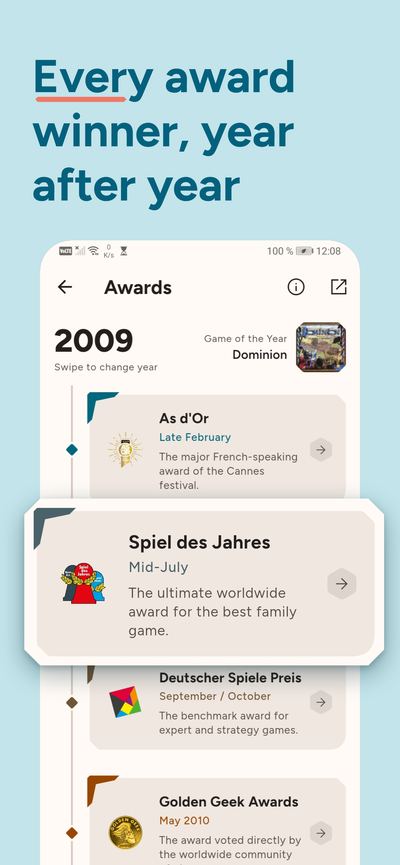
The idea was to build an app that feels quick and easy to use, without a subscription or fiddly steps that interrupt game night. Dicea will stay free. The award history and swipe-based game discovery are also part of what gives it its character.
The project keeps growing, with new features to come. Your feedback helps shape what comes next. Found a problem or have an idea for your next game night? We're listening.
Features
What Dicea does
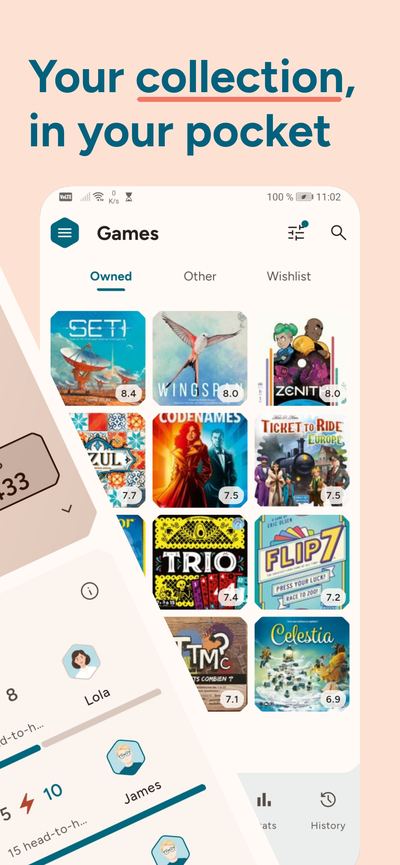
Your collection in your pocket
- Explore every board game and expansion in BoardGameGeek's worldwide catalog, and add any of them to your collection.
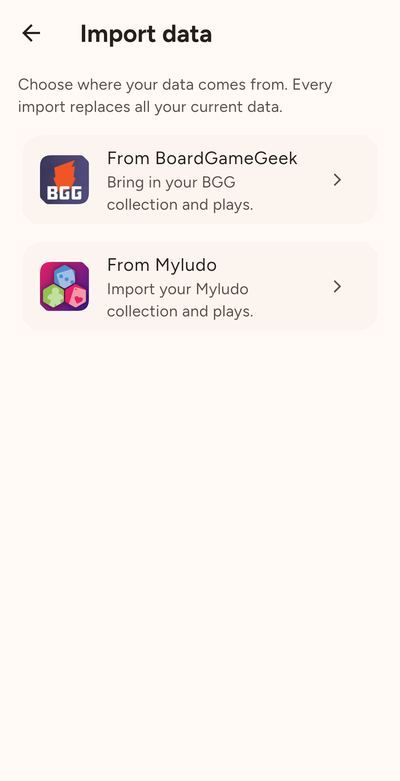
- Import your collection and your full play history from BoardGameGeek or MyLudo in seconds. Switch apps without losing a thing.
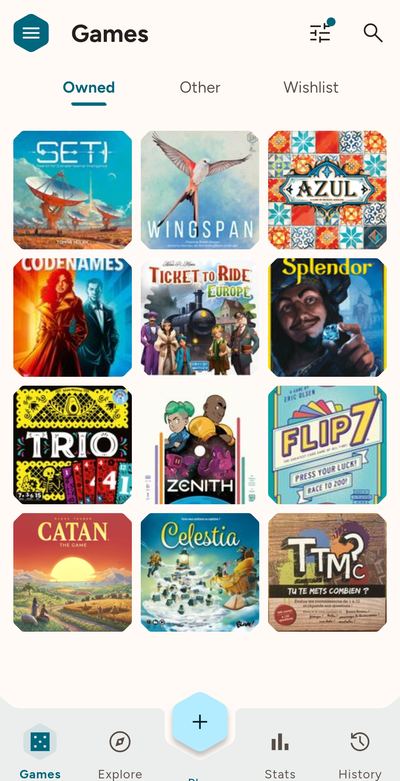
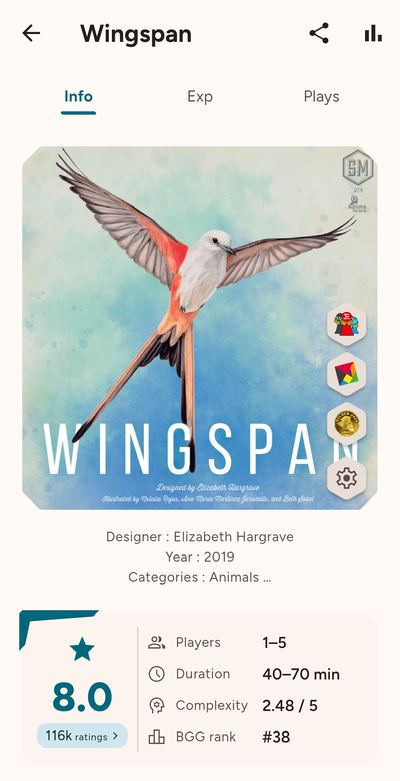
- Browse your board games, expansions and favorites with their cover art, ratings, play times and complexity levels.
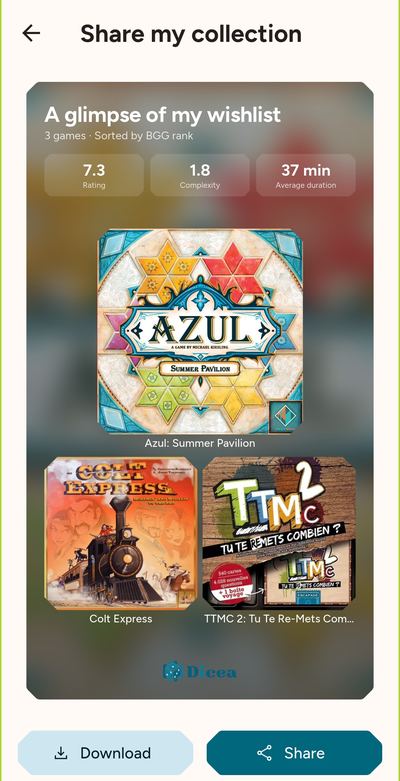
- Seen a game you'd like to play? Add it to your wishlist so you can find it later.
Log a play in seconds
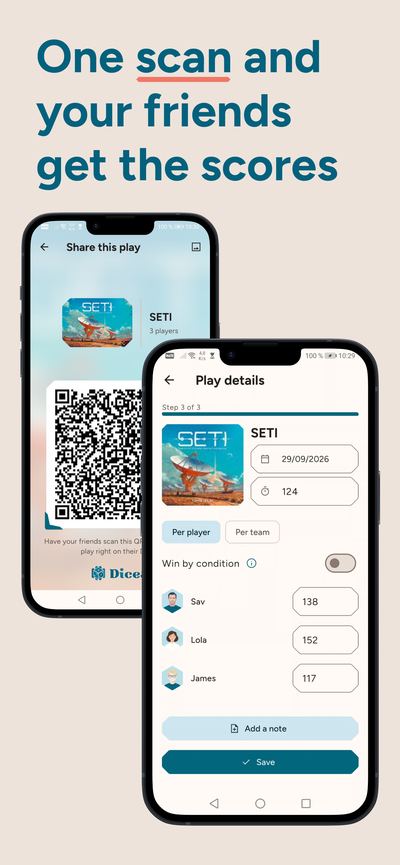
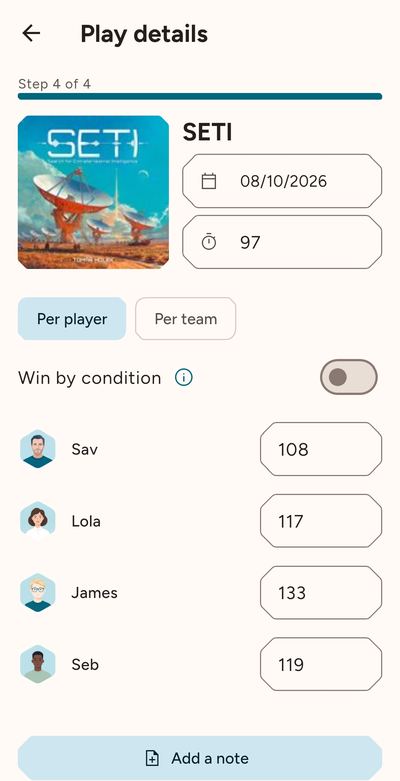
- Pick the game, add the players and enter the scores. You're all set! You can add new players as you go, with nothing to prepare before you play.
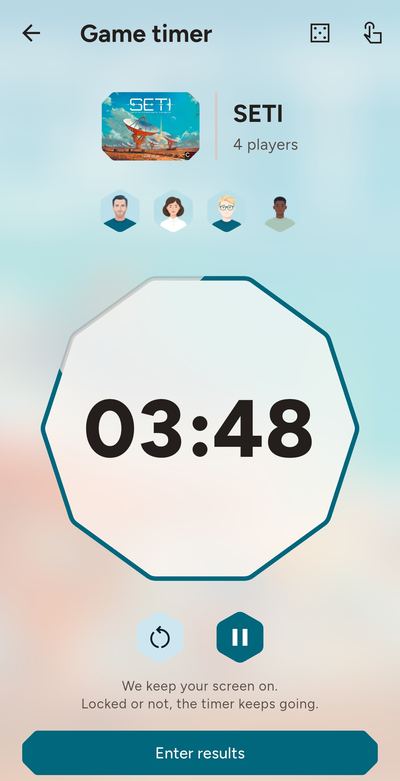
- Start the timer when the game begins. When you log the play, we'll fill in the duration for you.
- Rematch? Use the same game, players and format in one tap. You only need to enter the new scores.
- We’ve got a scoring system for every game.Pick yours when you start your first game.
Share whatever you like
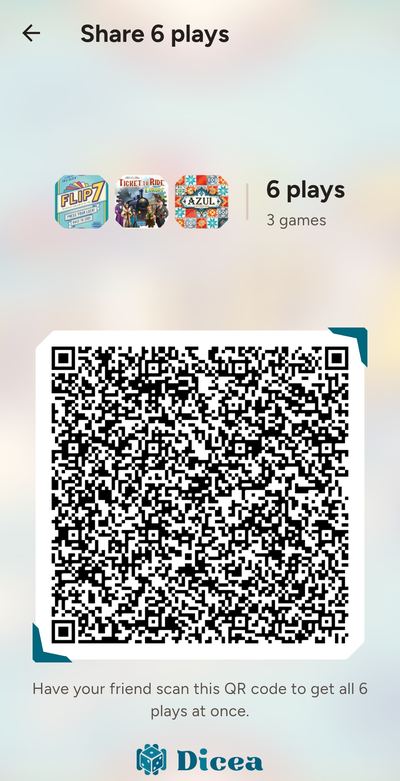
- One person logs the play, and everyone else scans a QR code to add it to their history. It works directly between your phones, without accounts or servers, even offline.
- Share all the night's plays at once, even if you played different games. Use Multi-QR mode or send a small file by message.
- Send your collection or wishlist to your friends as an image.
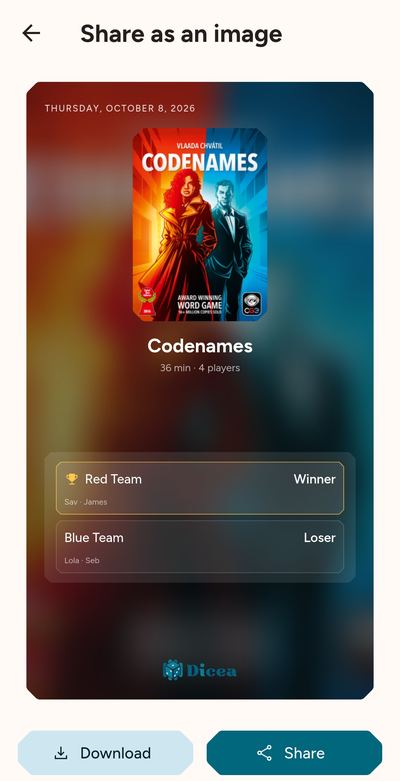
- Celebrate your win with a story-sized image, ready for social media.
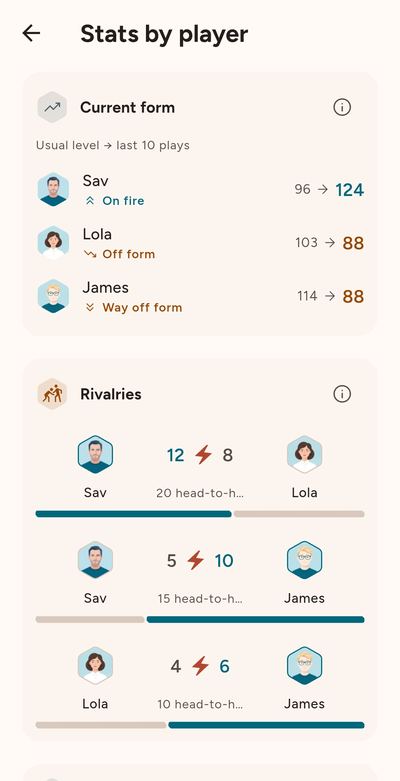
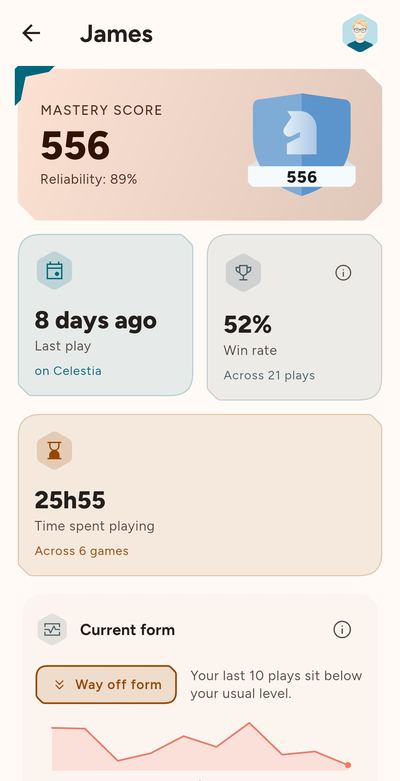
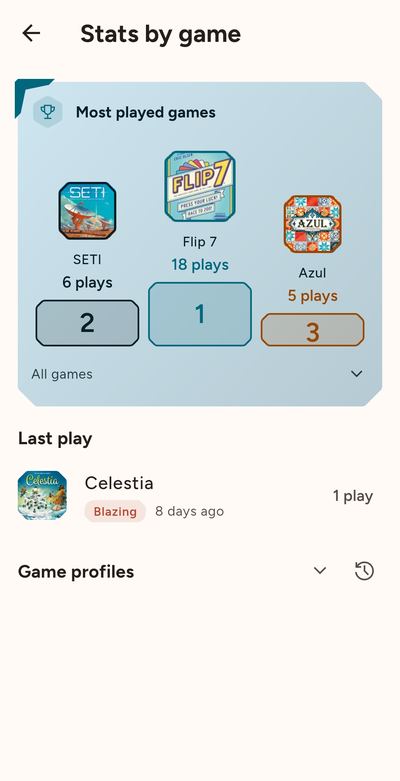
Your plays in numbers
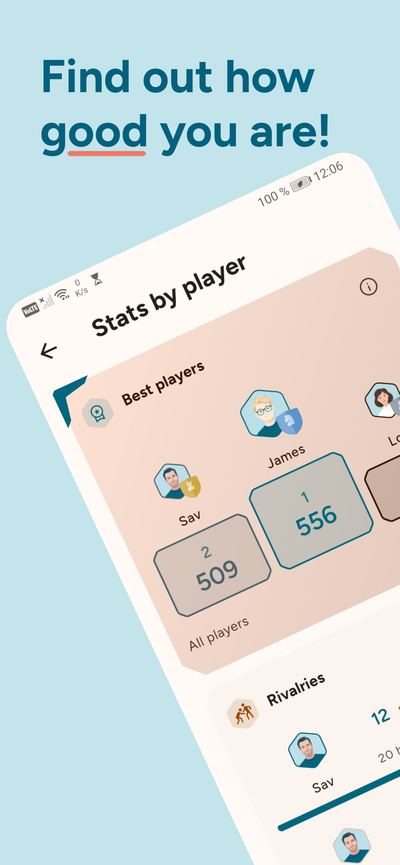
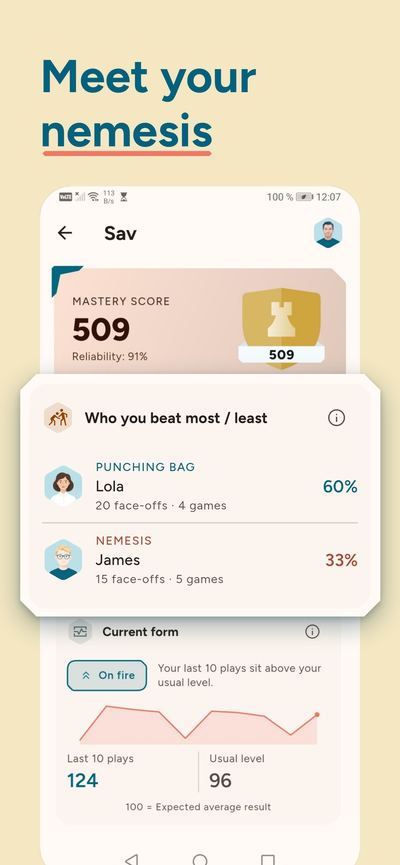
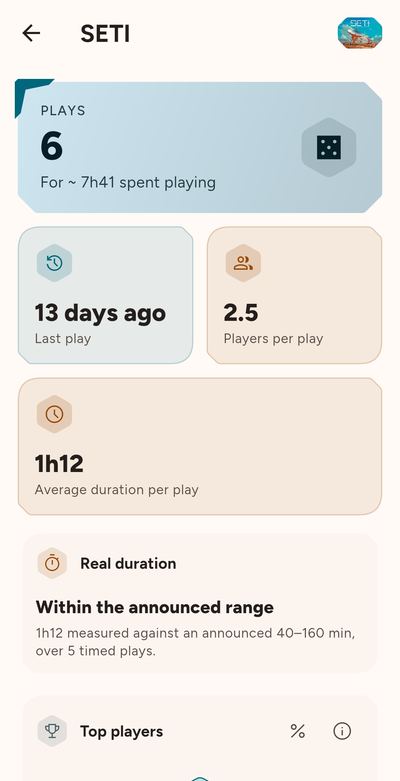
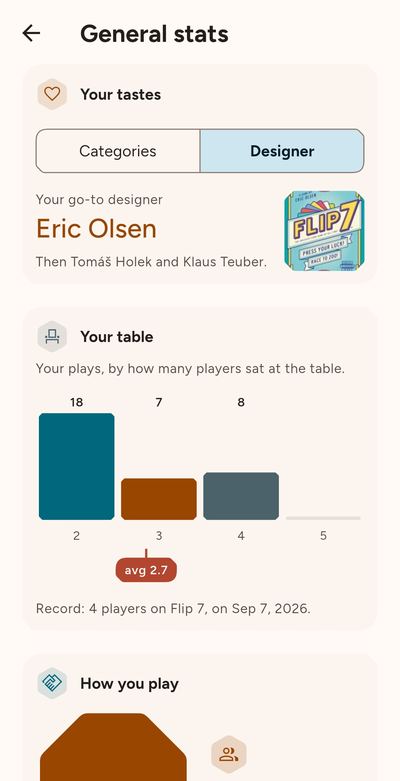
- Who wins most often? See each player's recent form, rivalries, win streaks and record.
- Your Mastery Score shows you your true skill level by taking into account the skill levels of your opponents.
- For each game, see how often you've played and who does best, then compare your play times with the time on the box.
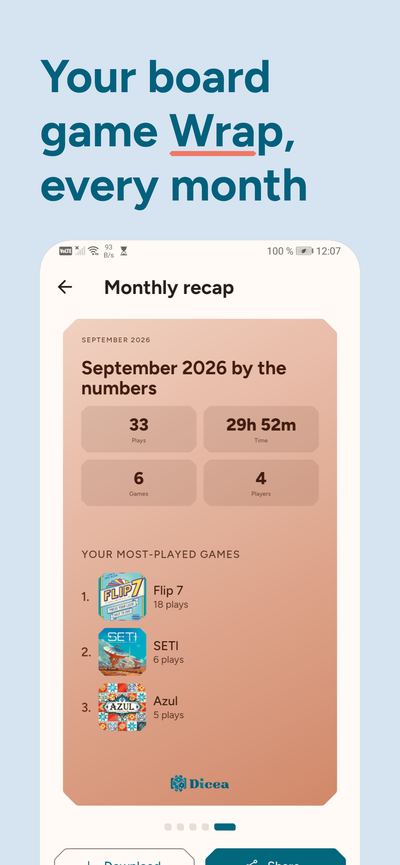
- Every month we put together a recap of your game nights.
Find your next favorite game
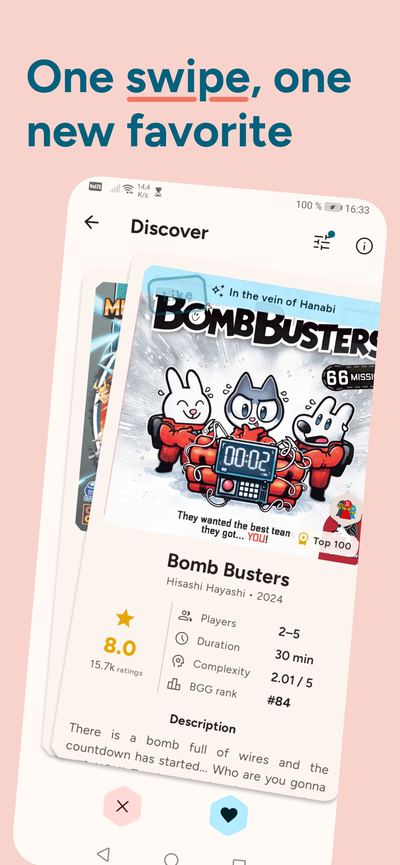
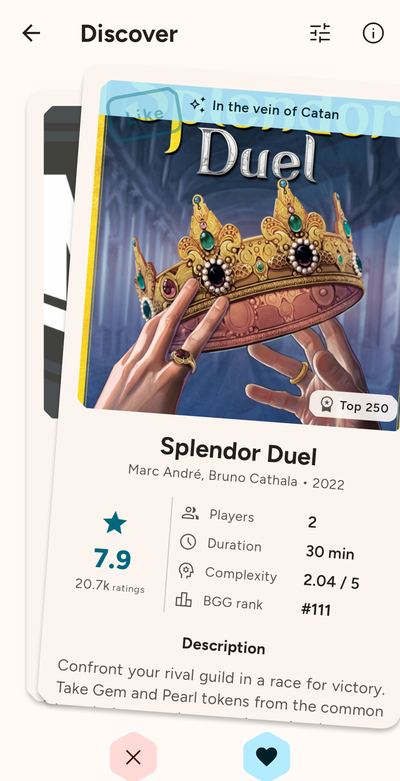
- We suggest games based on your collection and plays. Swipe through them and save the ones you like.
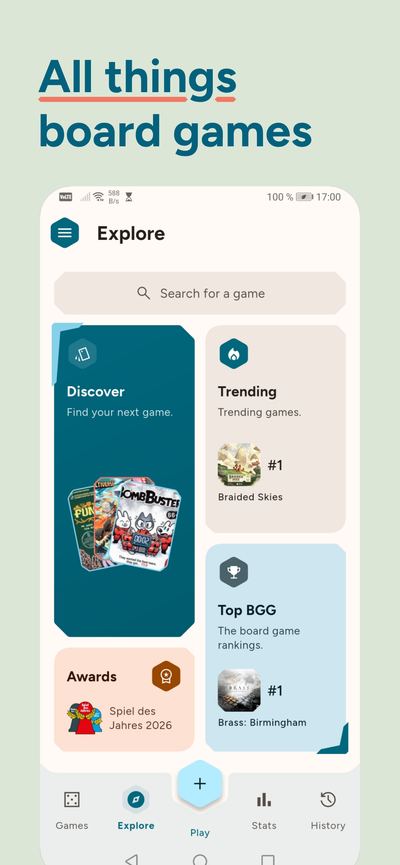
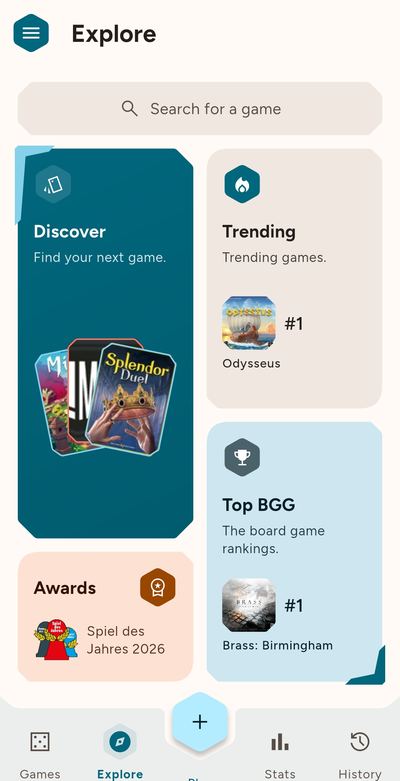
- Browse the full BoardGameGeek ranking and what's trending, or search any board game.
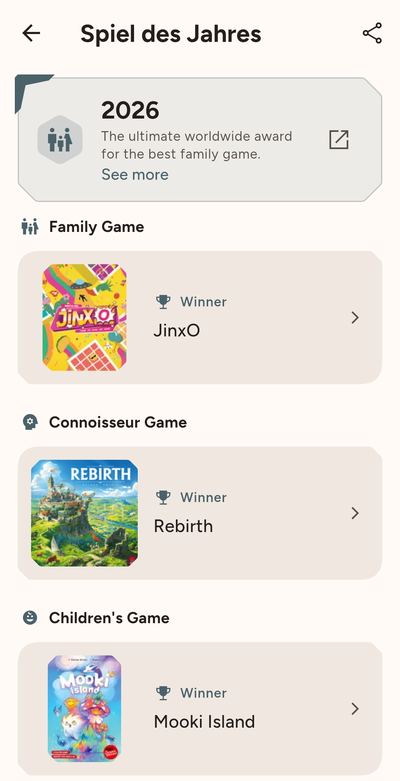
- Look up the winners of the major awards (Spiel des Jahres, As d'Or, Golden Geek, Deutscher Spiele Preis) year by year.
Tools for game night
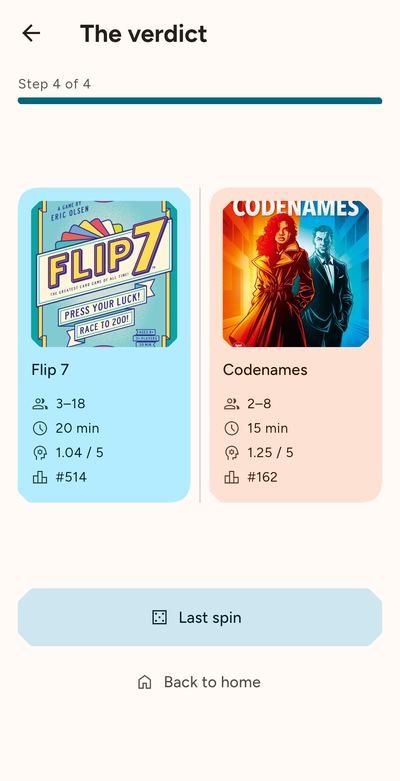
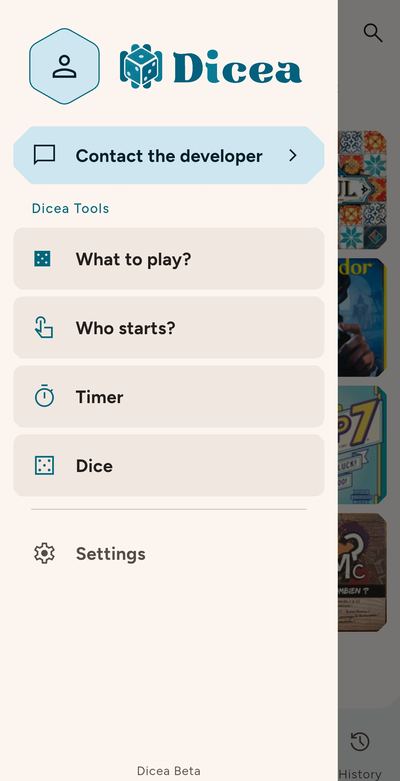
- Not sure what to play tonight? Set the player count, the time you have and the complexity you want. We'll randomly pick a game that fits.
- Who goes first? We'll pick the first player for you.
- Need dice or a timer? They're in the app.
Your data stays yours
- Your plays, stats and collection work offline. The internet is only used to import and explore games.
- No account, no ads, no trackers.
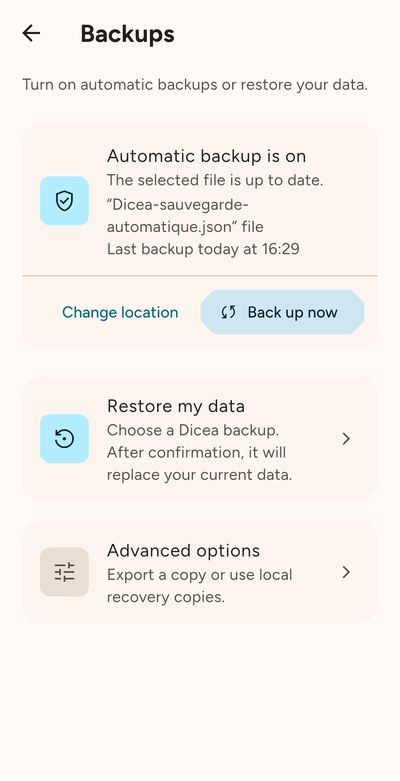
- Export your collection to a file or turn on automatic backups. You choose where to keep them.
FAQ
Frequently asked questions
Is Dicea free?
Yes. The app is free, with no ads, no subscription and no in-app purchases.
Do I need an account?
No. Open the app and log your first play. Your collection, plays and stats stay on your phone.
Does Dicea work offline?
Yes. Your plays, stats and collection work offline. The internet is only used to import your collection and explore new games.
Can I import my BoardGameGeek or MyLudo collection?
Yes. Enter your BoardGameGeek username to import your collection and plays. For MyLudo, use the export files for your collection, wishlist and plays.
How do I share a play with my friends?
One person logs the play, everyone else scans the QR code from their own Dicea app. With Multi-QR mode, you share the whole night in one go. You can also send it as a file or as a story-sized image.
What if I change phones?
Export your data to a backup file, then import it on your new phone. You can also turn on automatic backups to the location of your choice.
Which phones and languages does Dicea support?
iPhone and Android, in English and French, with light and dark modes.